
How to create a Google Review link
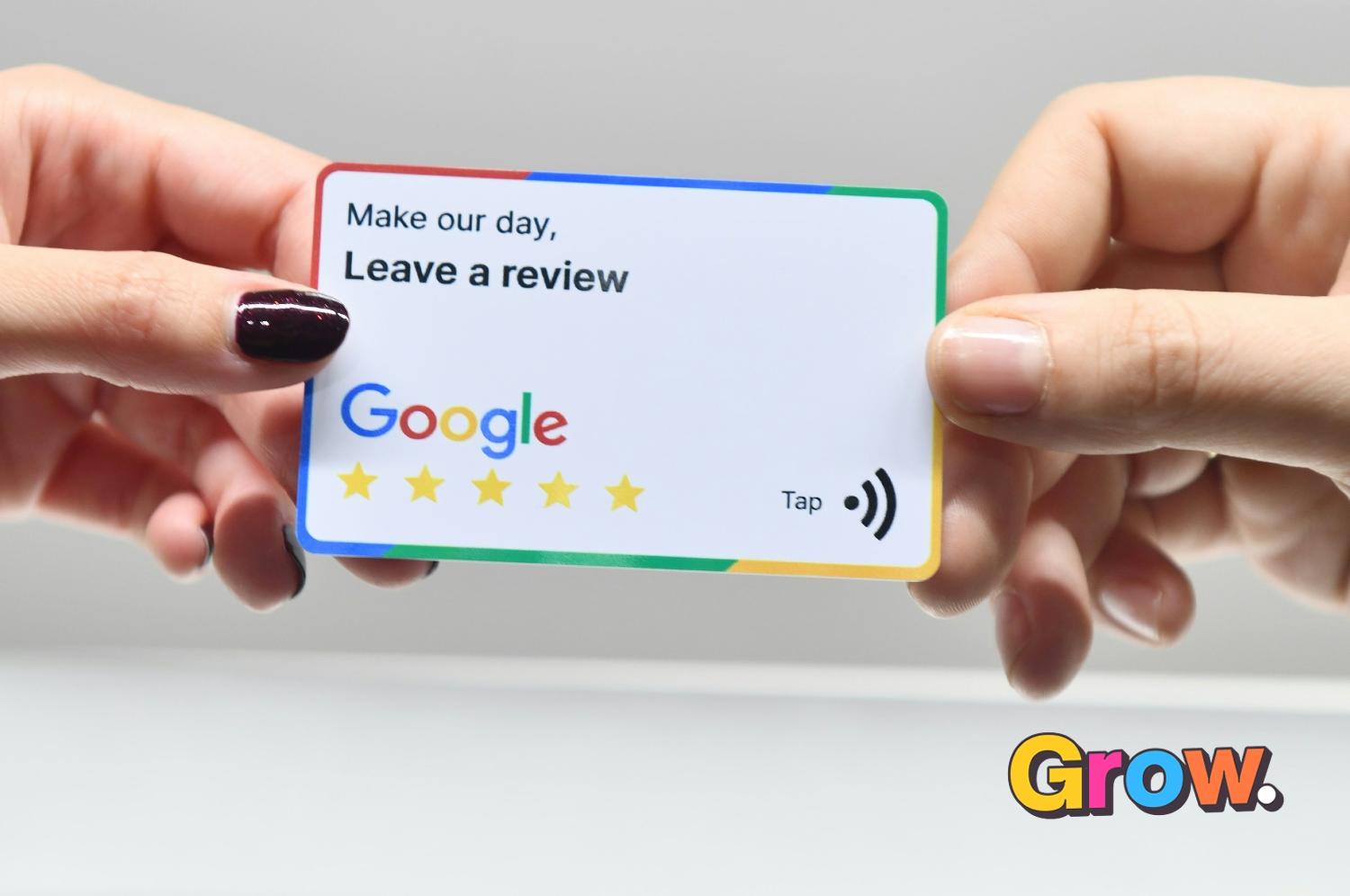
A direct Google review link removes friction from the review process. Instead of asking customers to find your business, open the right profile and work out where to leave feedback, you can send them straight to the review screen.
This guide assumes you already have a Google Business Profile. If you do not, start with our step-by-step Google Business Profile setup guide.
Why a direct Google review link works
Customers often intend to leave a review but get distracted or cannot find the right place to do it. A direct link makes the next step obvious: they click, choose a star rating and write their feedback.
The easier you make the process, the more likely a happy customer is to follow through. You should still ask personally and never offer rewards in exchange for positive reviews.
How to create your Google review link

- Sign in to the Google account that manages your Google Business Profile.
- Search Google for your business name and open the profile management controls.
- Select Ask for reviews or Get more reviews. Google may use slightly different wording in different layouts.
- Choose Copy link.
- Test the link in a private browser window before sending it to customers.
How to ask customers for a review
Send the link soon after you finish a project, deliver a product or solve a customer’s problem. Keep the request short, personal and pressure-free. For example:
Thanks again for working with us. If you have a minute, would you mind sharing an honest Google review? Your feedback helps other customers decide whether we are the right fit.
Make review requests part of your normal follow-up process. Our guides on how to ask customers for reviews and using an onsite review checklist will help you do this consistently.
Why Google reviews matter
- They build trust: potential customers can see feedback from people who have already used your business.
- They improve your profile: recent, genuine reviews make your Google Business Profile more useful and credible.
- They provide customer insight: repeated comments show what customers value and where you can improve.
Reviews can support local visibility, but they do not guarantee higher rankings. Relevance, distance, profile quality, website signals and other factors also matter.
Use your reviews beyond Google
With the reviewer’s permission where appropriate, you can also feature selected reviews on your website, proposals and sales material. This reinforces the same trust signals for visitors who reach you through other channels.
Keep the process simple and consistent
Create the link once, save it in your email templates or CRM, and make the request at the right moment. A steady flow of honest reviews is more valuable than a one-off burst followed by months of silence.