
How We Manage 250 Client WordPress Sites (Without Logging Into Each One)
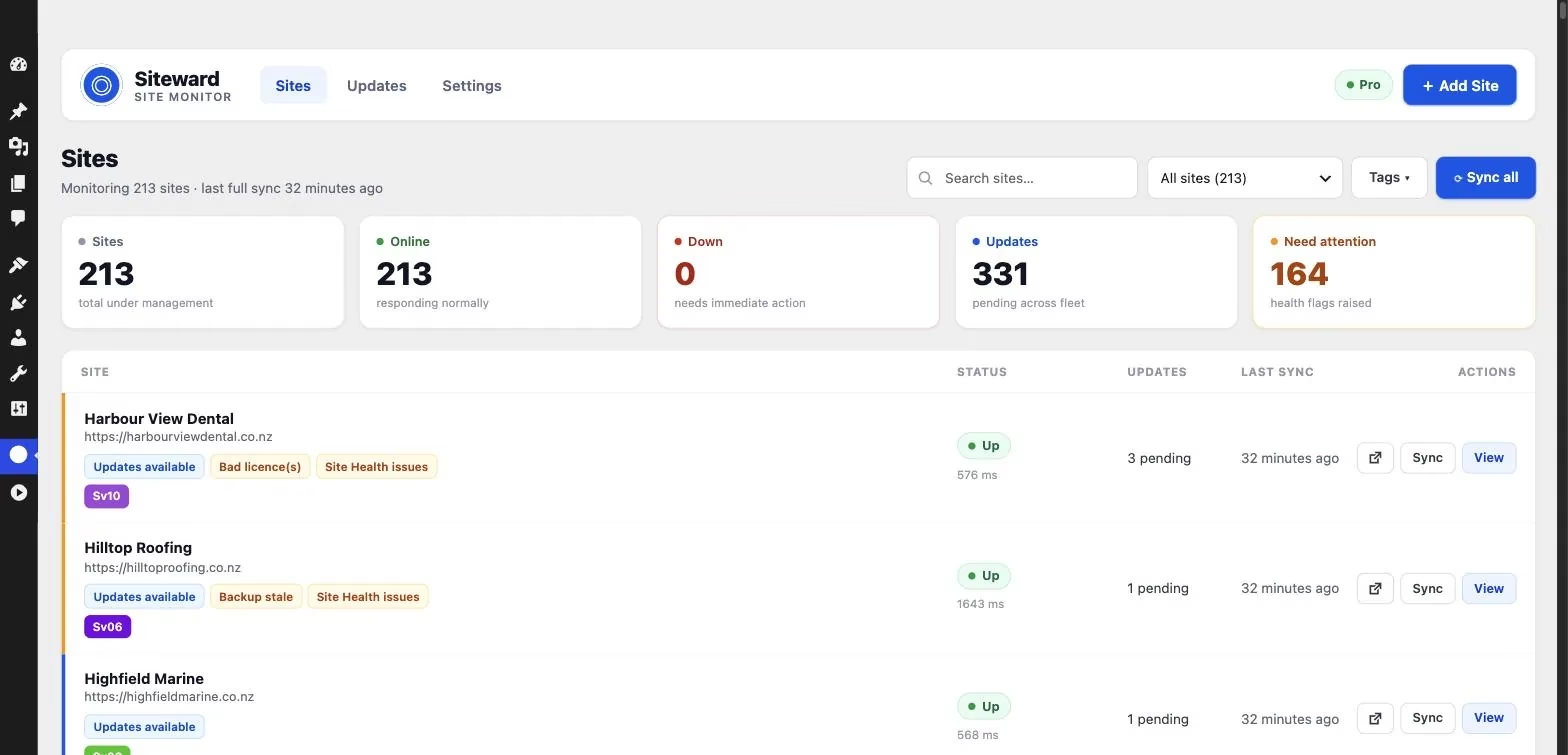
We look after around 250 WordPress sites for New Zealand businesses, across our care plans and managed hosting. For a long time, keeping them healthy meant logging into each dashboard one at a time, clicking Update, and hoping nothing broke. It was slow, but the bigger problem was what we did not see. We would find out a site was down when the client rang. A plugin update would quietly break a contact form and nobody would notice for days. A backup plugin would say it was running when it had actually stopped weeks ago.
This year we rebuilt how we manage the whole fleet. Here is the process we use now, and why we changed it.
The real problem is not the updates, it is the visibility
Updating WordPress is not hard. Knowing the state of 250 sites at once is. When every site lives behind its own login, you only learn about a problem when you happen to open that site, or when the client tells you. By then the damage is done: lost enquiries, an unhappy client, and an awkward phone call.
None of that is caused by bad hosting or bad plugins. It is caused by having no single view. You cannot fix what you cannot see, and you cannot see 250 dashboards at once.
Step one: one dashboard for every site
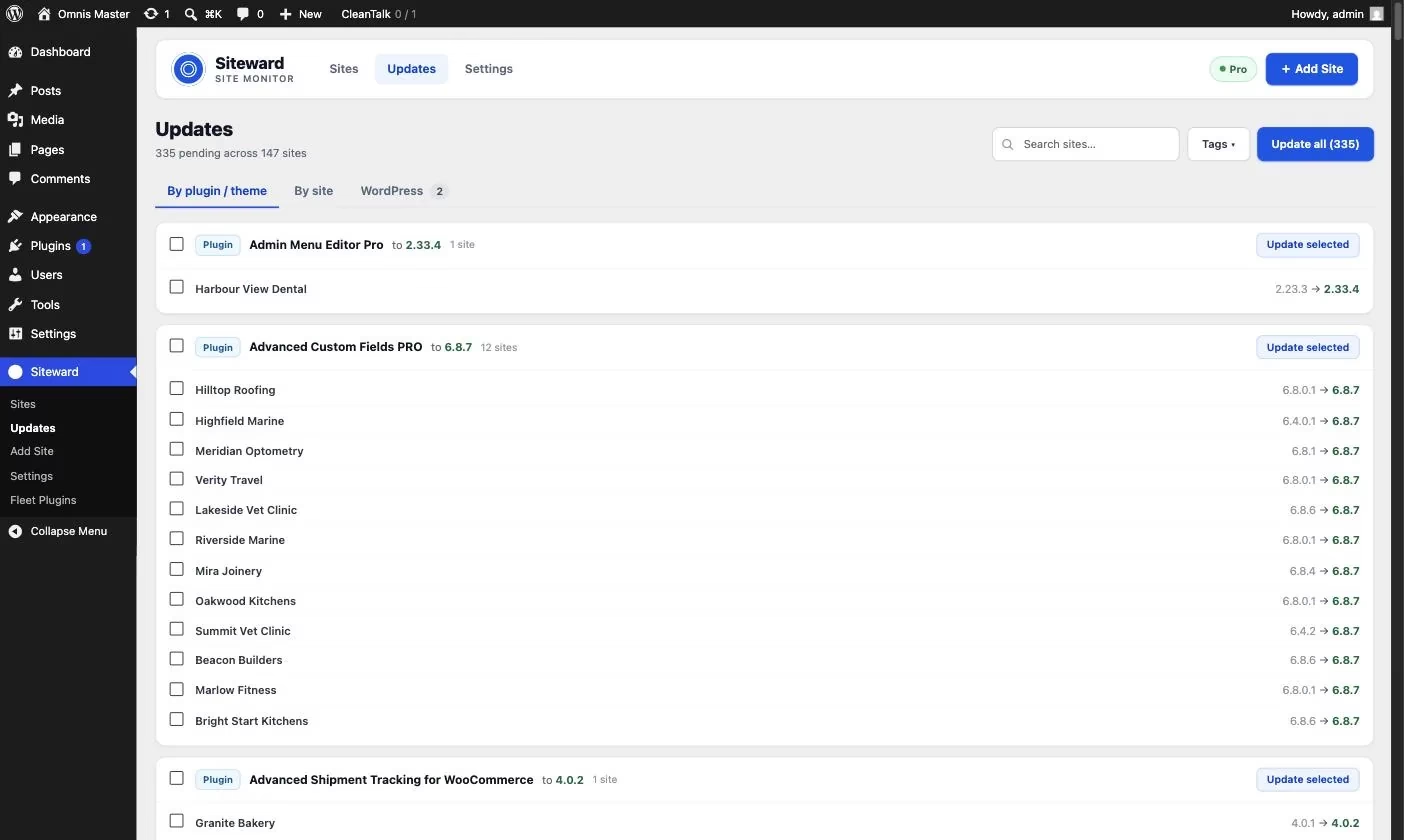
Every site we manage now reports into a single dashboard. One screen shows which sites are up, which have updates waiting, when each was last backed up, and which need attention. We open it every morning instead of opening 250 logins.
We use Siteward, a free, self-hosted WordPress management dashboard, for this. Full disclosure: Siteward is a product we build, and we built it because the tools we tried either charged per site or kept our clients’ data on someone else’s servers. But the principle matters whatever you use. Get every site into one place and most of the guesswork disappears.
Step two: find problems before the client does
A dashboard is only useful if it tells you when something is wrong. Ours checks every site from the outside every few minutes, so a full outage is caught even when WordPress itself is down, and we get an email the moment a site stops responding. It also flags the quieter problems that usually go unnoticed: a page that has become slow to load, a backup that has not run for days, scheduled tasks that have stopped, and plugins with a known security vulnerability.
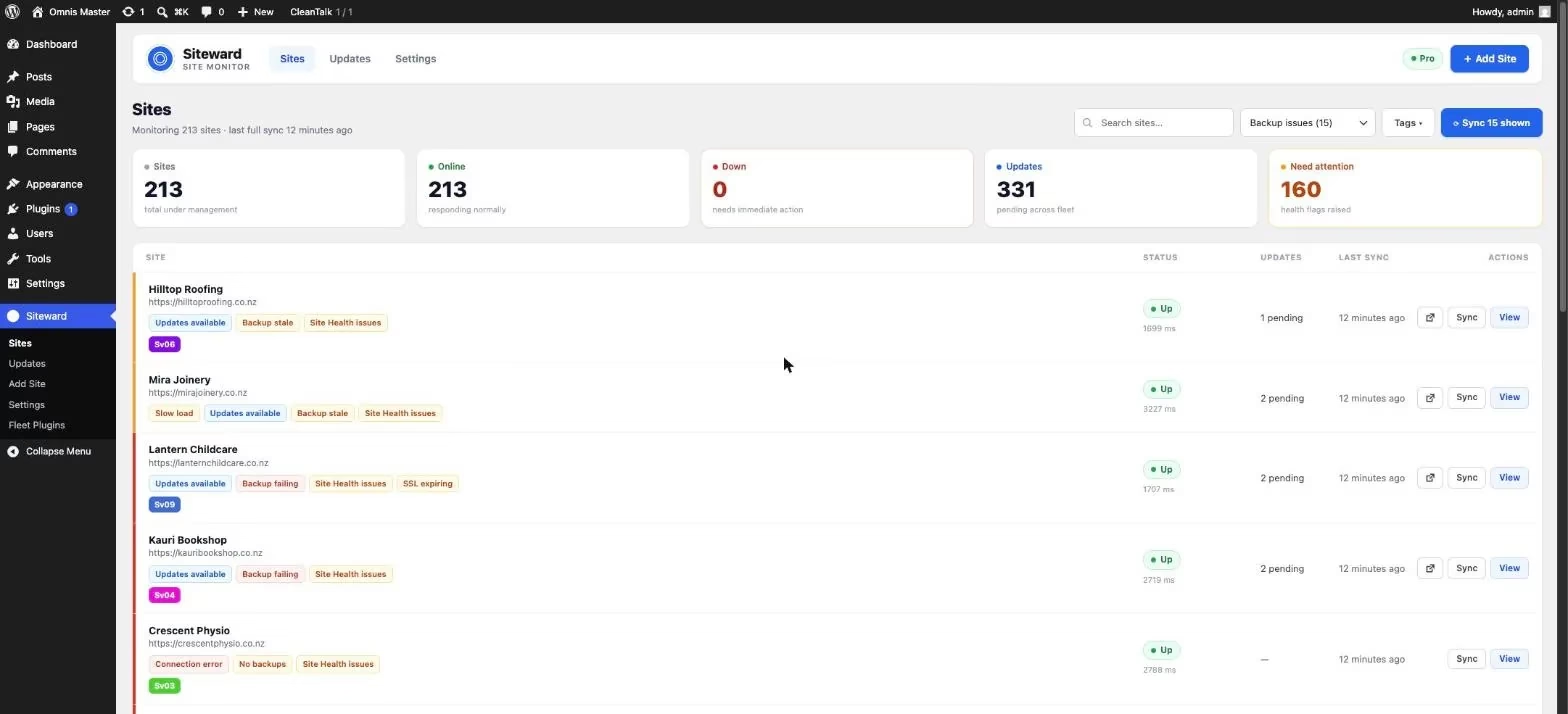
The goal is simple. When a client calls about a problem, we want to be able to say “we know, we are already on it”, not “thanks, we will take a look”.
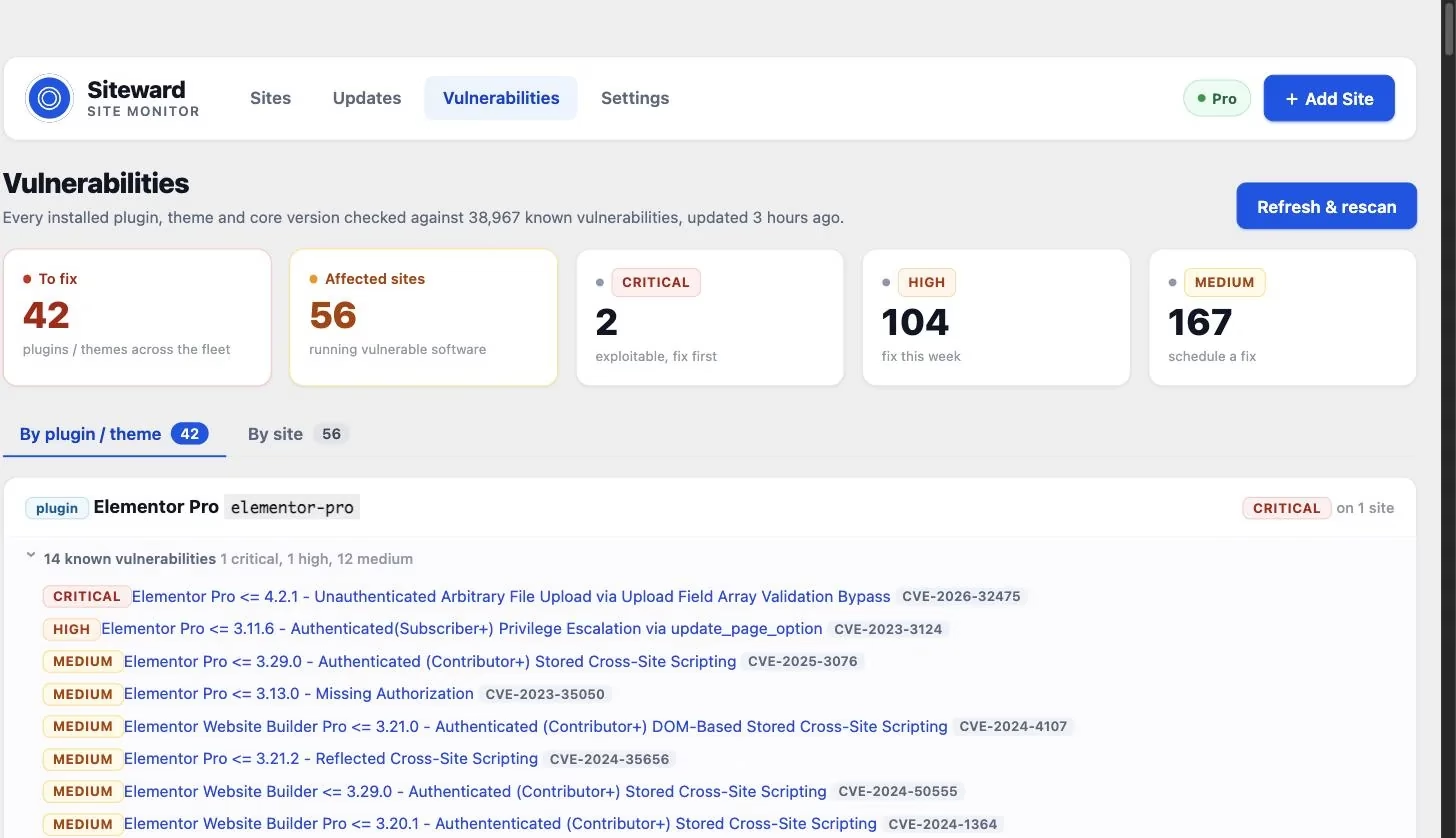
Step three: update in batches, with a safety net
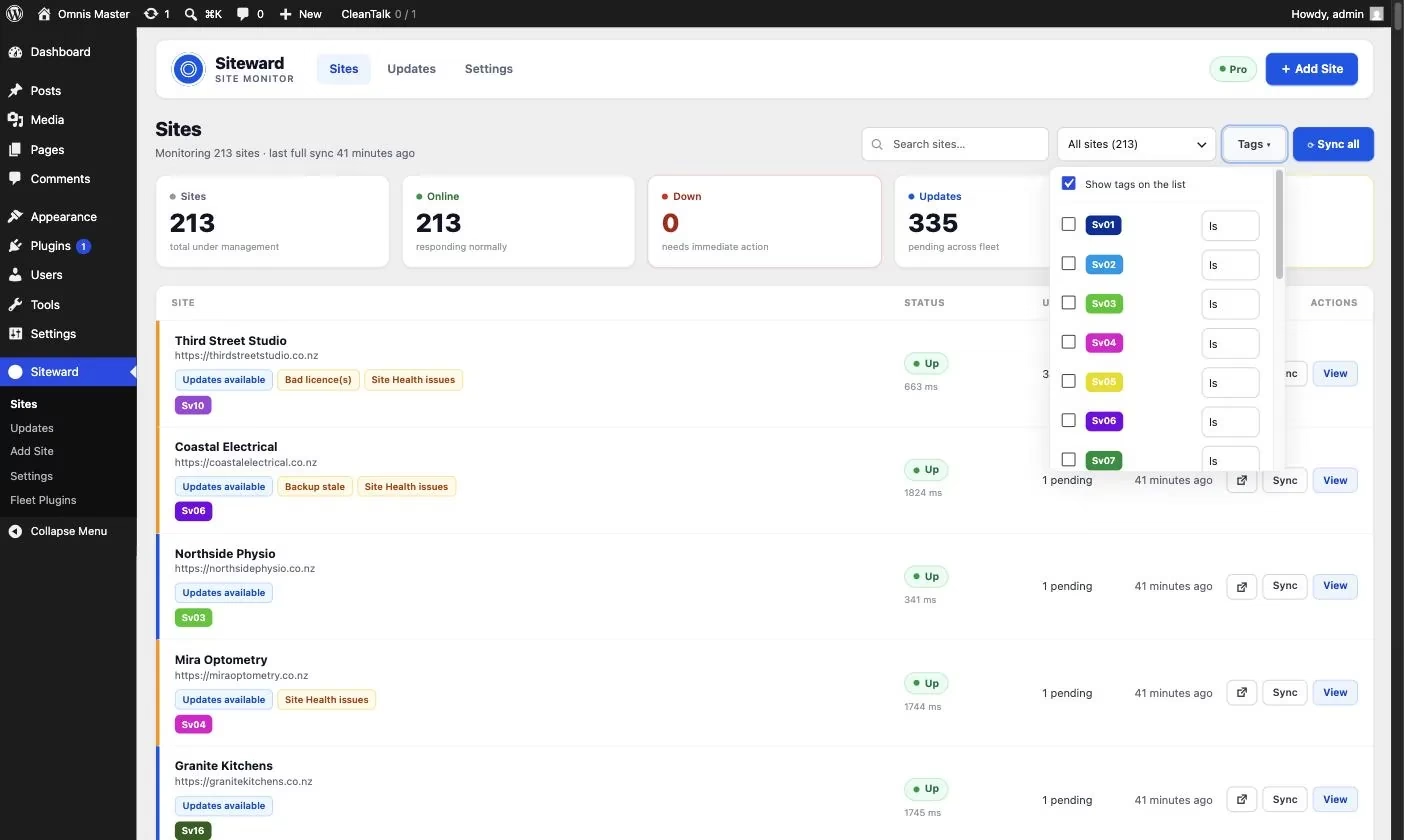
We run updates as a weekly round every Wednesday rather than reacting to each one as it appears. Sites are tagged by care plan, so we can update a whole group in one pass and leave the sites that need a manual check, such as busy online stores, for a closer look.
Every update is also protected. Before a plugin or theme is updated, a snapshot of the current version is saved, and the site is checked straight afterwards. If the update breaks the site, it is rolled back to the previous version automatically and we are told what happened. A bad update now costs us a notification, not an afternoon.
If you want a starting point for your own routine, the steps we follow are written up as a free WordPress maintenance checklist for agencies. It works whatever tools you use.
Why we keep it self-hosted
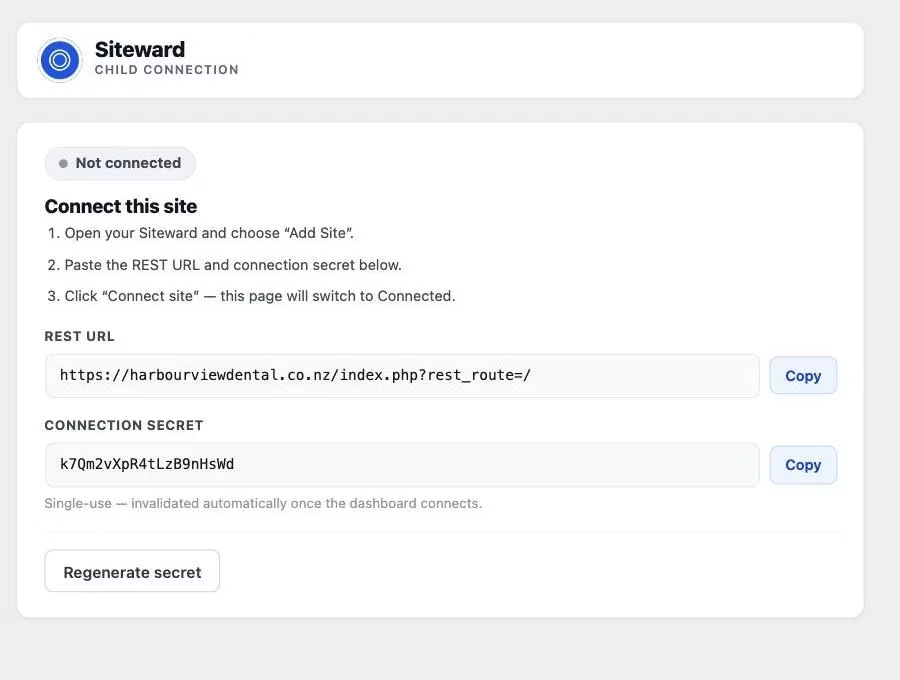
One deliberate choice: our management dashboard runs on our own server, not a third-party platform. The connection to each site is signed with its own key, and the details of our clients’ sites stay with us. It also means no per-site fees. Most management tools charge for every site you connect, which is fine at ten sites and painful at 250. It is not the right trade-off for everyone, but for an agency looking after client sites, the control is worth it.
The result: quieter weeks and fewer surprises
Changing how we watch the fleet made more difference than any individual plugin or host. Problems are caught early, updates happen on a predictable schedule, and when something does go wrong we usually know before the client does. Our Wednesday update round is now a routine job rather than a nervous one.
If you look after more than a handful of WordPress sites and maintenance keeps eating your week, start with visibility, not more hours. Get every site into one view, let it tell you what needs attention, and put a safety net under your updates. The rest gets a lot easier from there.
Related website growth guides
Continue with our website care plans, managed WordPress hosting, and a free website health check.