
How to set up Google My Business
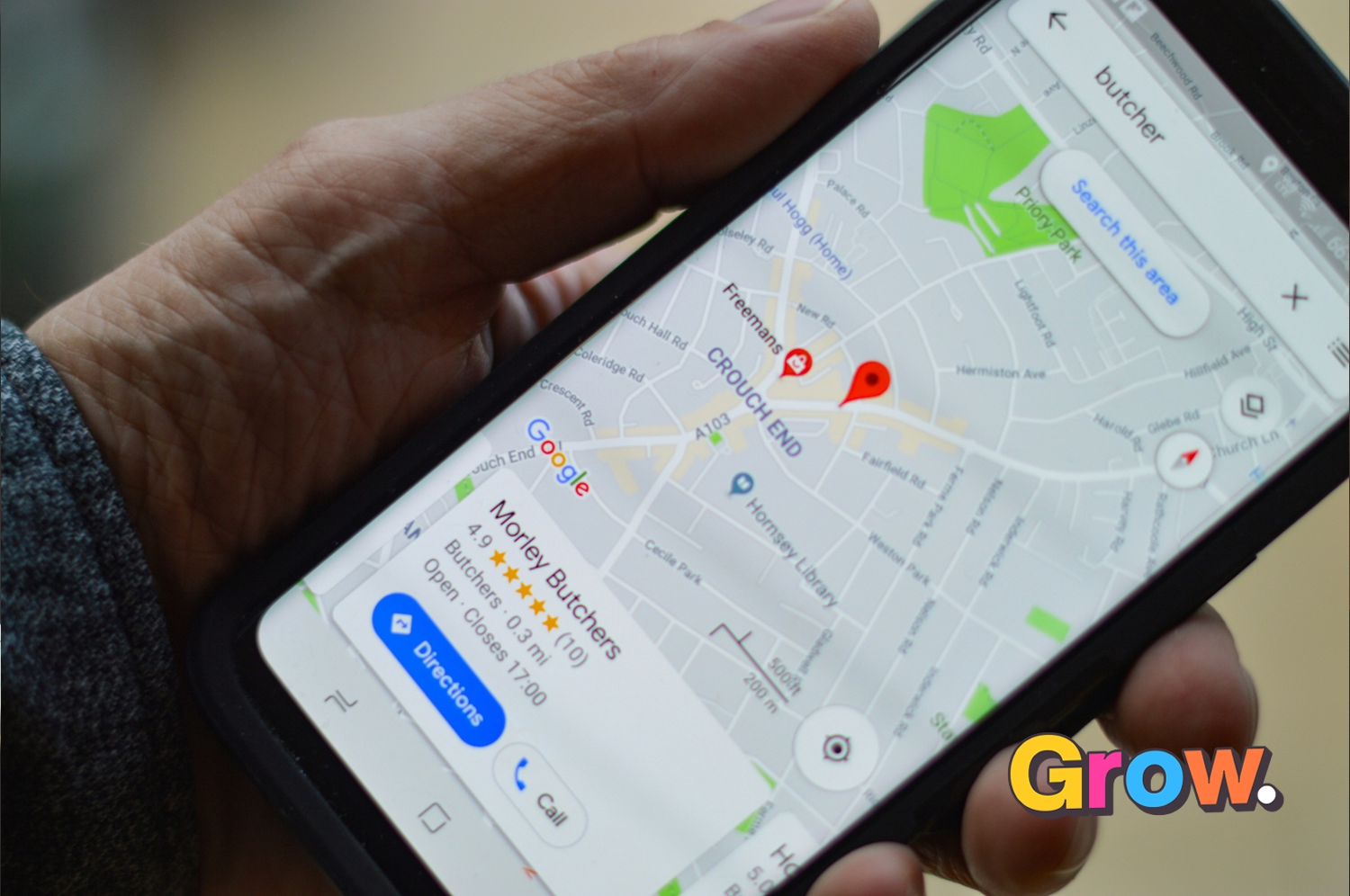
Google My Business—now called Google Business Profile—is one of the easiest ways to improve your local visibility. A complete, accurate profile can help your business appear in Google Search and Maps when nearby customers are looking for what you offer. It also supports your wider local SEO strategy.
Why your Google Business Profile matters
This is one of the first questions I get asked, so here are five practical reasons to set up and maintain your profile.
1. It helps Google understand your business, services and location, which supports your visibility in relevant local searches.
2. It gives you a free place to publish your business details, photos, updates and offers.
3. It can display your contact details, hours, reviews and website link directly in Google search results.

4. It can help your business appear in Google Maps results.

5. A well-optimised profile can improve your visibility for relevant searches made by customers in your area.

Now that you know why it matters, here is how to create and optimise your listing.
How to create your Google Business Profile
- You need a Google account. If you don’t have one – set it up here. If you have one login to the account you want associated with the business you are setting up.
- Go to google.com/business and click the green start now button in the top right hand corner
- Enter your Business Name
- Enter your Business Address
- Enter your location

6. Enter areas you cover

7. Choose your business category. Be as accurate as possible, this is where you are telling Google which customers should see your listing…no pressure!!
8. Add your business contact details. Phone number and website address.
Verify your business
There are several ways to get verified, if you have the phone or email option showing for you – pick either of those as they happen pretty much instantly.
The postcard version can take a long time and in some cases for clients of mine – not arrive at all!! If you have to take the postcard option and it doesn’t appear – you can request another code.

How to optimise your Google Business Profile
You can start completing your profile before verification, so add as much accurate information as possible straight away.
Open your Google Business Profile settings and complete each available section. The information is editable, but customers may see changes quickly, so check your details carefully.

There is an option to add additional services which can help with your reach and the challenging categories Google presents. Make sure you still only select ones that are relevant.
Write a useful business description
Write clear, compelling text that explains what your business does, who it helps and what makes it different. Use relevant language naturally and write for people first. Think of it as a concise introduction to your business.
Add useful photos and videos
You can upload plenty of photos, but make sure they are high quality, current and relevant to your business.
Choose a strong cover photo because it helps shape the first impression customers get of your business.
Videos can be uploaded too and must be
- 30 seconds or shorter
- 100 MB or smaller
- 720p resolution or higher
Ask customers for reviews
Reviews provide valuable social proof and help potential customers feel confident choosing your business. Ask consistently and make the process easy.
Follow our guide to create a direct Google review link, then use this simple onsite review checklist to collect reviews consistently.
Keep your profile up to date
Setting up your Google Business Profile takes some time, but it is one of the most valuable free steps you can take for local visibility. Review it regularly so your hours, services, contact details, photos and updates stay accurate.
Always happy to answer any questions, contact me – hello@growmybusiness.co.nz
Have fun growing your business!
Iona
p.s If it really is in your too-hard basket we do offer a Google My Business Setup Service.